

Keeping your family safe at home has always mattered, but today’s security systems can do far more than record someone walking up to the front door. The best home security cameras can alert you when a person enters the yard, let you check on the kids from another room, show you when a package arrives, and give you a clear view of what’s happening around your property when you’re away.
Choosing the right setup can get complicated quickly. Some cameras require monthly subscriptions, while others offer local storage, smart alerts, two way audio, night vision, or connections with other devices throughout your home. The best home security cameras for families should make everyday life feel easier and more secure without filling your phone with useless notifications or requiring you to constantly check an app.
We’ve looked at the features that matter most to households in 2026, including video quality, monitoring options, privacy, smart home compatibility, storage, installation, and overall value. Whether you want a camera for the front door or a more complete system covering several areas of your property, this guide will help you compare the best home security cameras and find a setup that makes sense for your family and your home.
What Are the Best Home Security Cameras for Families in 2026?
The best home security cameras for families should make it easier to know what’s happening around your home without requiring you to watch a live feed all day. Useful alerts, clear video, dependable mobile access, and simple controls matter much more in everyday life than a long list of features you’ll rarely use. Families may also want to consider whether a system can grow over time, particularly if they’re starting with a doorbell camera and eventually want coverage for a driveway, backyard, garage, or indoor common area.
Ring and ADT are two familiar names worth considering, but they’re built for somewhat different security needs. Retailers such as Best Buy and Newegg also give families the ability to compare individual cameras and build a more customized setup. The best home security cameras ultimately depend on how much coverage you need, whether you want professional monitoring, and how comfortable you are installing and managing the equipment yourself.
Before buying, compare the total cost rather than looking only at the price of the camera. Storage, subscriptions, monitoring, additional equipment, and the number of cameras you need can all affect what you’ll actually spend. Looking at those details together makes it much easier to identify the best home security cameras for your household.
Ring: Best for an Easy Smart Home Security Setup
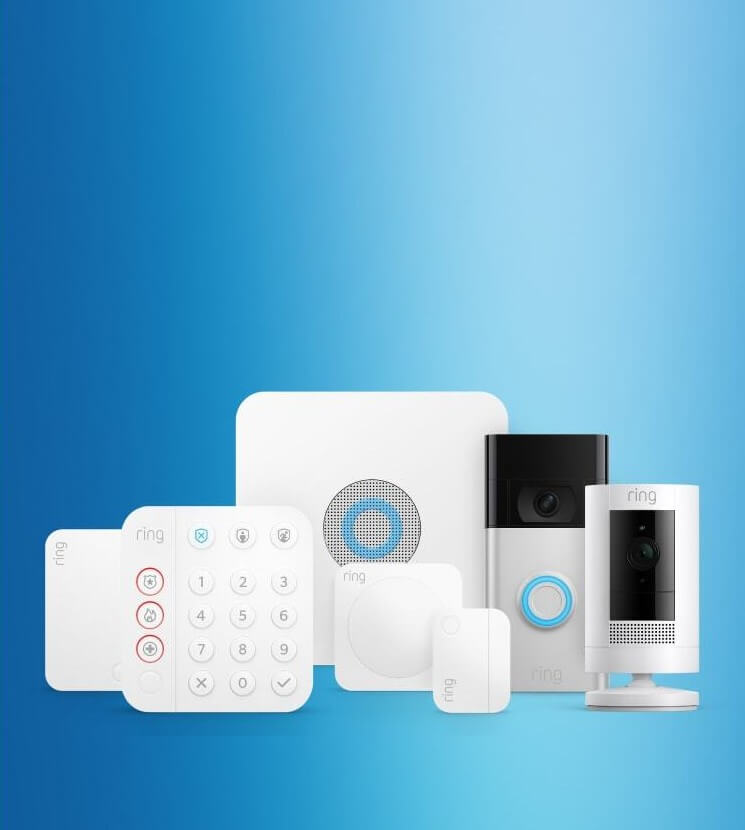
Ring is a practical choice for families who want to start with one or two cameras and expand their home security setup over time. Its ecosystem includes several types of security devices, which can make it easier to manage different areas of the property without juggling unrelated systems.
That flexibility is particularly useful for busy households. You might want a video doorbell at the front entrance, another camera watching the driveway, and additional equipment elsewhere around the property. Keeping compatible devices within one ecosystem can make everyday monitoring less complicated.
Ring is worth considering if you value convenient app access and the ability to customize your setup as your family’s needs change. Before purchasing, check which features are included with the equipment itself and which require a paid plan, since that can affect the long term cost.
ADT: Best for Professional Home Security and Monitoring
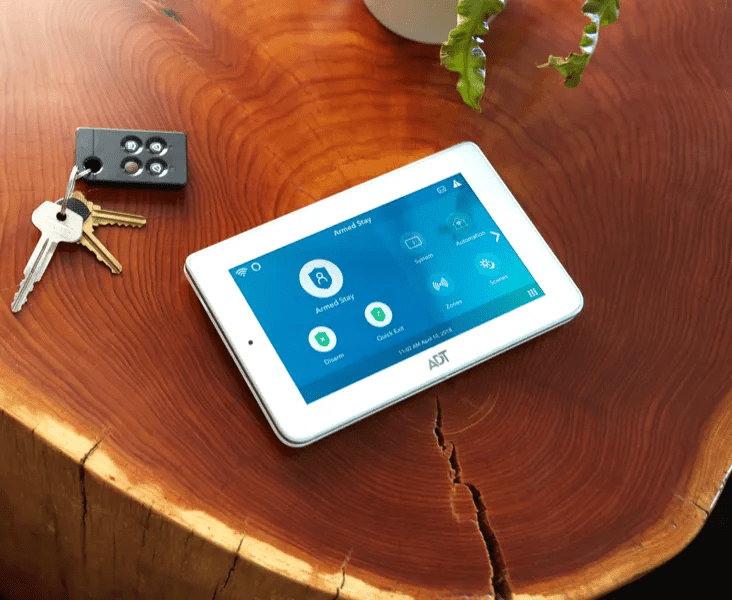
ADT makes more sense for families looking beyond individual cameras and toward a broader home security system. Professional monitoring is one of the biggest reasons someone may consider ADT, particularly if they don’t want the responsibility of responding to every security notification themselves.
Cameras can also become part of a larger security setup that includes other types of equipment around the home. This approach may appeal to homeowners who want multiple layers of protection rather than cameras alone.
Families comparing ADT with the best home security cameras should pay attention to equipment costs, monitoring options, installation requirements, contracts, and any recurring fees associated with the particular setup they’re considering.
Related: ADT Home Security Review – Protecting Your Home
What Features Should Families Look for in Home Security Cameras?
The best home security cameras should capture useful footage and make that footage easy to access when something happens. Families should prioritize features they’ll rely on regularly rather than paying extra for capabilities that sound impressive but won’t change how they use the system.
Start with these eight features when comparing the best home security cameras:
- Clear video during the day and at night
- Reliable motion and person detection
- Two way audio
- Useful mobile notifications
- Appropriate local or cloud storage
- Indoor or outdoor compatibility
- Compatibility with your existing smart home devices
- Strong privacy and account security controls
Specifications still need context. A camera installed over a wide driveway has different requirements from one watching a small front porch. Placement, lighting, distance, internet connectivity, and the size of the area being monitored can all affect performance.
Reviews can be helpful here, particularly when they describe actual notification reliability, app usability, nighttime footage, and installation rather than simply repeating the manufacturer’s specifications. Those real world details can reveal whether the best home security cameras on paper are actually convenient to live with.
Clear Video Quality During the Day and at Night
A security camera needs to capture footage that’s useful enough to understand what happened. Look beyond resolution alone and consider nighttime visibility, viewing distance, lighting conditions, and how clearly the camera captures moving subjects.
Person, Package, and Motion Detection
Smart detection can help separate potentially useful events from ordinary movement. Depending on the camera and service plan, features may distinguish between people, packages, vehicles, animals, or general motion.
Check whether the detection features you want are included or require a subscription.
Two Way Audio for Talking to Visitors
Two way audio lets you communicate through a compatible camera or doorbell. Families might use it to speak with visitors, delivery drivers, or someone outside without opening the door.
Audio quality and app responsiveness can affect how useful this feature feels in practice.
Mobile Alerts When You’re Away From Home
Notifications are one of the features you’ll probably interact with most. Useful alerts should tell you enough about an event to decide whether you need to open the app and investigate.
Too many unnecessary alerts can become frustrating, so customizable notification settings and activity zones are worth considering.
Local or Cloud Video Storage
Local storage keeps footage on compatible equipment located at your home, while cloud storage generally stores recordings remotely. Some cameras support one method, while others offer multiple choices.
Compare storage duration, capacity, access, security, and recurring fees before choosing.
Indoor and Outdoor Camera Options
Outdoor cameras need to be designed for the conditions they’ll face. Indoor cameras don’t have the same weather resistance requirements and may prioritize features suited to interior monitoring instead.
Always verify the manufacturer’s approved placement before installing a camera outdoors.
Smart Home Compatibility
Compatibility becomes more important as you add devices. Check whether a camera works with the smart home ecosystem you already use rather than assuming every connected device will communicate with every platform.
Privacy and Account Security
Security cameras can capture sensitive footage, making account protection especially important. Use a strong, unique password, enable additional account security measures when available, keep software current, and review who has access to your cameras.
Indoor camera placement deserves extra consideration in a family home. Avoid private spaces and think carefully about what a camera can see or hear.
Related: Best Home Security Systems for Families in 2026
How Much Do Home Security Cameras Cost in 2026?

Don’t judge a security system by its advertised equipment price alone! The actual cost of the best home security cameras can include the camera, installation, storage, monitoring, subscriptions, accessories, and additional devices needed to cover the property.
A household starting with one camera may have relatively limited expenses. Costs can increase quickly once you add several outdoor cameras, a video doorbell, sensors, storage, or professional monitoring.
Before purchasing the best home security cameras, calculate both the upfront cost and what you expect to spend over the next year. That gives you a much more useful comparison than the sticker price.
Ring Camera and Subscription Costs
Ring offers multiple cameras and security products at different prices, so costs depend heavily on the equipment you select. Some features and services may also be tied to paid plans.
Check Ring’s current pricing and plan details when you’re ready to purchase rather than relying on older subscription information.
ADT Equipment and Monitoring Costs
ADT pricing can depend on the equipment, installation, monitoring, and service arrangement you choose. A professionally monitored system should be evaluated according to its complete cost rather than compared directly with the purchase price of a single DIY camera.
Ask what you’ll pay upfront, what you’ll pay regularly, and whether any contract terms apply.
Best Buy Home Security Camera Prices
Best Buy carries security cameras at a range of prices, making it easier to compare basic cameras with more advanced models. Price differences can reflect resolution, detection capabilities, storage options, power source, brand, and included accessories.
Newegg Home Security Camera Prices
Newegg also offers cameras and security equipment across multiple price points. Check exactly what’s included with each listing and whether additional equipment is required.
Seller information and warranty coverage are also worth reviewing before purchasing.
Don’t Forget About Storage and Monthly Fees
A less expensive camera isn’t necessarily the cheaper option over several years. Subscription and storage fees can eventually exceed the initial cost of the equipment.
The best home security cameras for your budget should remain affordable after recurring costs are included.
Do You Need Professional Monitoring With Home Security Cameras?
No, you don’t necessarily need professional monitoring to use the best home security cameras. Plenty of households prefer to receive alerts and check their cameras themselves. Professional monitoring becomes more appealing when you want another layer of response beyond your own phone notifications.
Your schedule should factor into the decision. If you’re frequently in meetings, traveling, sleeping through notifications, or otherwise unable to check your phone immediately, professional monitoring may provide additional reassurance. Families who are usually available to respond to alerts may decide self monitoring is sufficient.
Neither approach automatically makes a camera better. The best home security cameras are the ones that work with the response plan you’ve chosen for your household.
How Professional Monitoring Works
Professional monitoring connects an eligible security system with a monitoring service that can respond when certain alarms or events occur according to the service’s procedures.
Exact response processes vary by provider and plan, so review the current terms before subscribing.
When Professional Monitoring May Be Worth It for Families
Professional monitoring may be worth considering if your family travels frequently, spends long stretches away from home, or simply doesn’t want home security to depend entirely on someone noticing a phone notification.
The recurring cost should still fit comfortably into your household budget.
Can You Monitor Your Home Yourself?
Yes. Many modern security cameras allow users to receive notifications and access footage through a mobile app.
Self monitoring can save money, but it also means you’re responsible for reviewing alerts and deciding what action to take.
Ring vs. ADT for Home Security Monitoring
Ring may appeal to households that want greater flexibility between cameras and a broader security ecosystem, while ADT is strongly associated with professionally monitored home security.
Compare the current services available with each system before deciding. Monitoring plans, features, and prices can change.
Where Should Families Put Security Cameras?
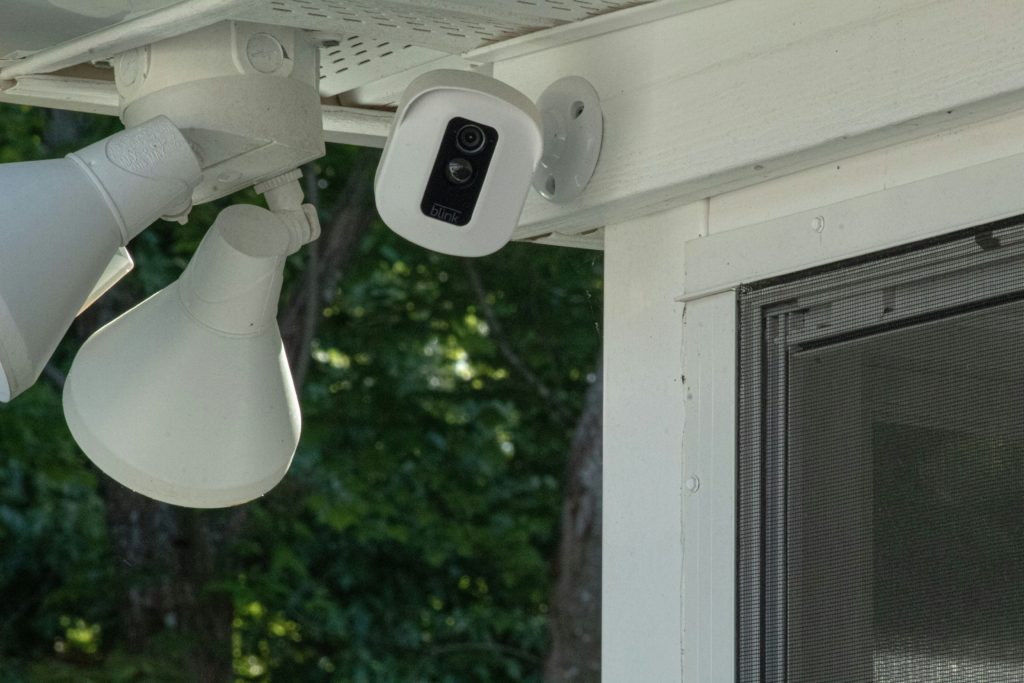
Start with the places someone is most likely to approach your home. For many households, that means the front door, driveway, garage, back entrance, and accessible side entrances. The best home security cameras can’t provide useful coverage if they’re pointed toward areas that don’t matter while important entry points remain unseen.
Camera placement should give you a useful view without unnecessarily recording private spaces. Consider lighting, viewing angle, obstructions, weather exposure, WiFi strength, and how easily someone could interfere with the camera. You don’t necessarily need a camera covering every square foot. Strategic placement often matters more than sheer quantity when you’re deciding where to install the best home security cameras.
Front Door and Porch
The front entrance is one of the most practical places to begin because it lets you see visitors and deliveries. Position the camera so the approach to the door is visible rather than focusing too narrowly on one small area.
Driveway and Garage
A driveway camera can help you monitor vehicles and activity near the garage. Choose a position that provides a useful overview without creating unnecessary blind spots.
Back Door and Patio
Back entrances can be easy to overlook when planning security coverage. A camera here can provide visibility into another common access point and outdoor family space.
Side Entrances and Other Blind Spots
Walk around your property and look for entrances or paths that aren’t visible from your primary cameras. These areas may deserve additional coverage.
Common Areas Inside the Home
Some families use indoor cameras in shared spaces to check on pets, monitor entrances, or see what’s happening while they’re away.
Privacy should remain a priority, particularly in a home with children or guests.
Where You Shouldn’t Install Indoor Cameras
Avoid bathrooms, bedrooms used by other people, changing areas, and other places where someone reasonably expects privacy.
Camera and audio recording laws can vary by location. Check applicable state and local requirements before recording other people, particularly when audio is involved.
Can You Use Home Security Cameras Without a Subscription?
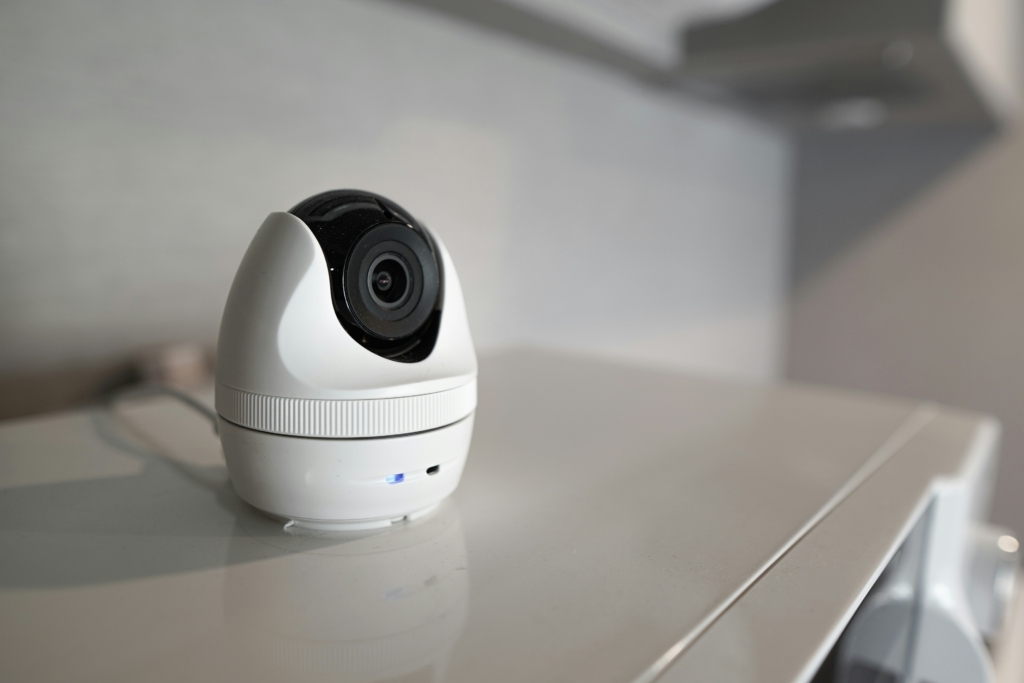
Yes, some security cameras can be used without an ongoing subscription, although the features available without one vary considerably. This is why subscription requirements should be checked before buying the best home security cameras rather than after installation.
A camera may still provide live viewing or basic alerts without a paid plan while reserving recorded history, advanced detection, extended storage, or other functions for subscribers. Other products may offer local storage that reduces reliance on a cloud subscription.
If avoiding recurring expenses is important, compare exactly what remains available without payment. The best home security cameras for subscription free use should provide the features you consider essential without forcing you into a plan later.
Which Features Usually Work Without a Subscription?
Available features depend on the manufacturer and camera. Live viewing and basic notifications may be available on some products without a subscription, while recording history or advanced detection may require payment.
Always check the current product terms.
Cloud Storage vs. Local Storage
Cloud storage makes footage accessible through remote servers, while local storage keeps recordings on compatible hardware closer to home.
Neither approach is automatically right for everyone. Compare convenience, privacy preferences, storage capacity, backup options, and cost.
Are Subscription Free Security Cameras Worth It?
They can be, particularly if reducing recurring household expenses is a priority. The bigger question is whether the camera still provides the features you need without the subscription.
A cheaper monthly cost doesn’t compensate for missing functionality you’ll actually use.
Consider Long Term Costs Before Choosing a System
Calculate the cost over several years rather than focusing entirely on the purchase price.
A more expensive camera with suitable included features may ultimately cost less than a cheaper model that requires an ongoing subscription for the functions you want.
Choose the Best Home Security Cameras for Peace for Mind
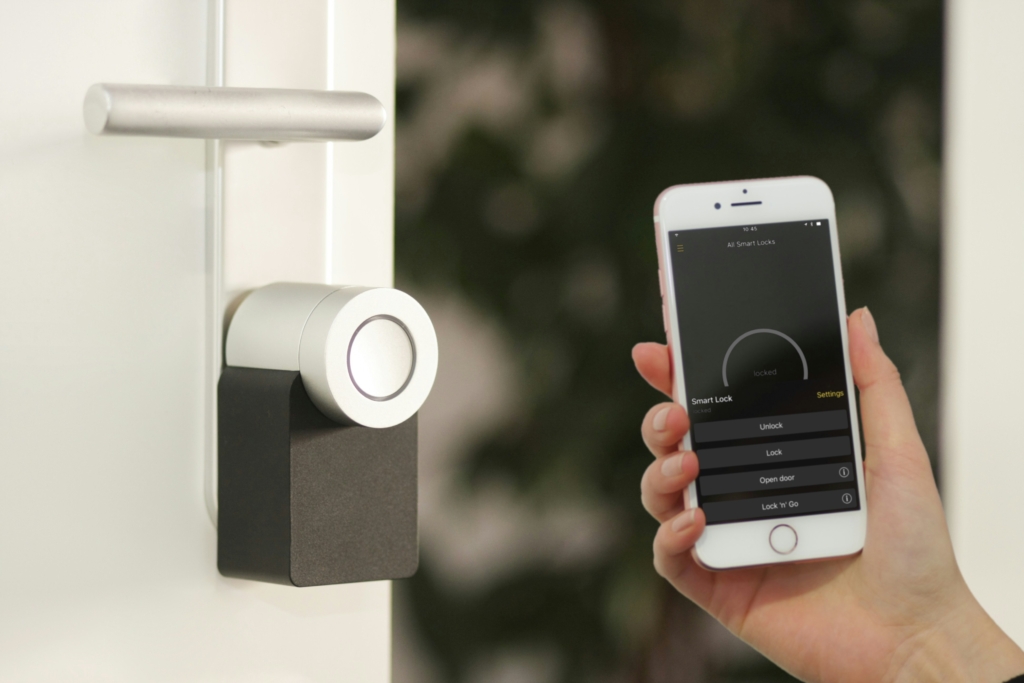
Your home shouldn’t have obvious blind spots that leave you wondering what’s happening outside, especially when there are so many practical security options available in 2026. The best home security cameras can give your family an extra set of eyes around the property, whether you’re upstairs putting the kids to bed, at work, running errands, or hundreds of miles away.
The right system depends on how you actually live. A video doorbell may be enough for an apartment or smaller home, while a family with several entrances, a garage, backyard, or detached building may benefit from multiple cameras and broader coverage. Look closely at video quality, storage costs, notification settings, privacy controls, night vision, monitoring options, and smart home compatibility before deciding which system deserves a place in your home.
Most importantly, don’t choose a camera simply because it has the longest list of features. Choose one you’ll actually use and trust. The best home security cameras should help you see what’s happening when it matters, respond quickly when something seems wrong, and spend less time wondering whether your home and the people you love are protected.
Read Next: Best Fall Boots for Men in 2026 For Every Lifestyle + All Activities